You can use fal.ai to make images videos and audio using its own APIs or with a clean web UI. It even supports LoRA training and lets you run private models. It’s made so devs can add it to their apps real easy.
Fal.ai is a site made for devs who want to build with generative AI fast and for creators who'd love to access those models. It is run by a company called “features and labels.” They made it for devs like us who want to bake AI media into apps without the wait. It uses the “fal Inference Engine” which they say is 4× faster than others.
Creators can get a lot out of fal.ai even without touching code. Fal.ai gives you direct access to some of the most in-demand video models out there.
You can run these straight from the web interface or plug in through API if you like. No setup headaches.
The site includes a model gallery that covers:
Text-to-image like FLUX.1 and F Lite
Image-to-video like Kling and MiniMax
Text-to-video like Veo 3 and Hunyuan Video
Built-in creator tools
Text-to-video. Type a prompt get a video
Image-to-video. Animate a still pic
Face Swap. Drop new faces into clips quick
Video Editors. Tweak videos right in the browser
Audio add-ons. Layer in sound with tools like Audiocraft
It’s all in a clean UI. No coding needed.
Full creative control
LoRA training. Make your own style in minutes
Private model hosting. Run your own versions if you need
Custom settings. Tweak frame rate style prompt strength and more
So yeah fal.ai’s not just for engineers. It’s great for animators video folks and anyone making stuff for social. You get top tools and fast results without needing to build anything from scratch.
Educators and TrainersCreative ProfessionalsContent CreatorsMedia and Film MakersMarketing and Branding SpecialistsVoice and Audio ProfessionalsDevelopers and Tech CreatorsNonprofit and Advocacy CreatorsSmall Business OwnersEntertainment and Performance ArtistsProfessional Content Creators
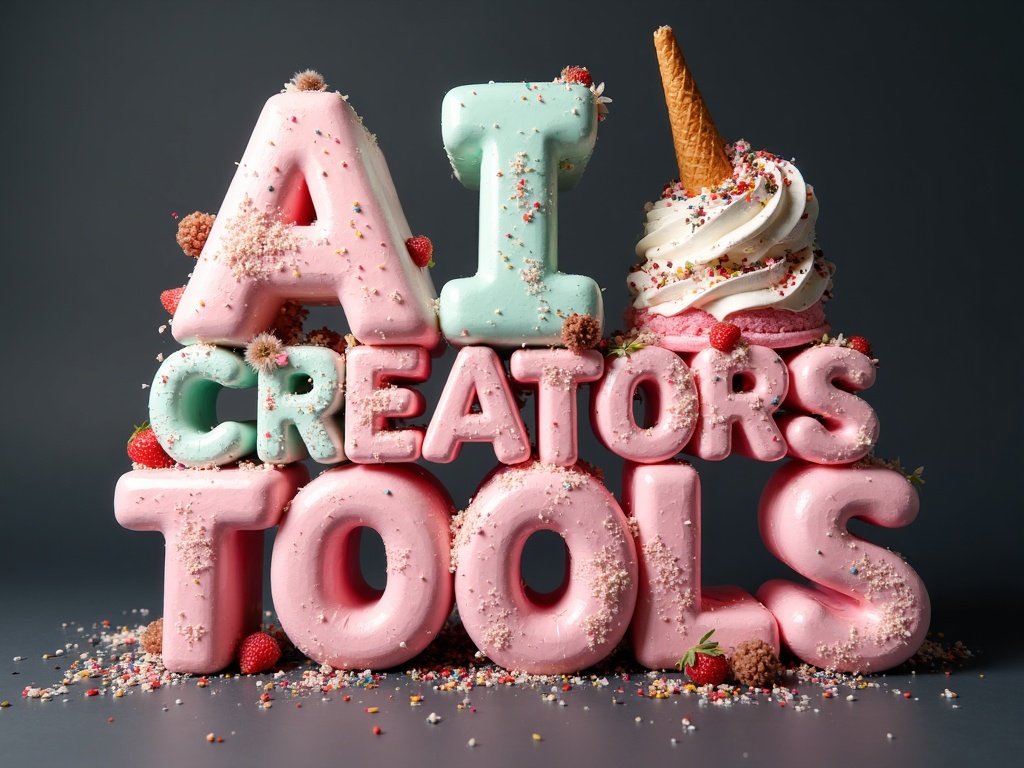
A three-line ice-cream typography sculpture reading “AI” on top, “CREATORS” in the middle, and “TOOLS” at the bottom, all letters made from vibrant ice-cream textures, arranged in a playful “dancing letters” layout where each character sits slightly up or down and alightly angld left or rightt for a fun, bouncy rhythm.Text: “AI CREATORS TOOLS” in UPPERCASE using a chunky geometric-sans skeleton with softly rounded corners, medium extrusion, and crisp cutouts to keep counters fully open.Font Material: assorted ice-cream forms—smooth scoops, striped gelato bricks, waffle-cone fragments, marbled swirls, glossy melting lines, pastel layers, and subtle colorful sprinkles—with tiny dessert accents like wafer shards and micro chocolate curls.Composition: centered three-line stack with the dancing-letter treatment applied consistently across all lines; front-on view; 1:1 frame; letters large enough to read instantly.Background: solid matte charcoal backdrop with a subtle frosty cold mist softening the frame edges; keep center clean for legibility.Lighting: soft diffused studio light with gentle speculars on wet melt zones and soft grounding shadows.Color & Contrast: pastel pink, mint, vanilla cream, blueberry, chocolate, and lemon tones against a dark neutral background for maximum contrast.Motion: completely still.Aesthetic: whimsical product-photography style with crisp realism and playful energy.Legibility: open counters, clean silhouettes, consistent kerning despite the playful offsets and tilts.
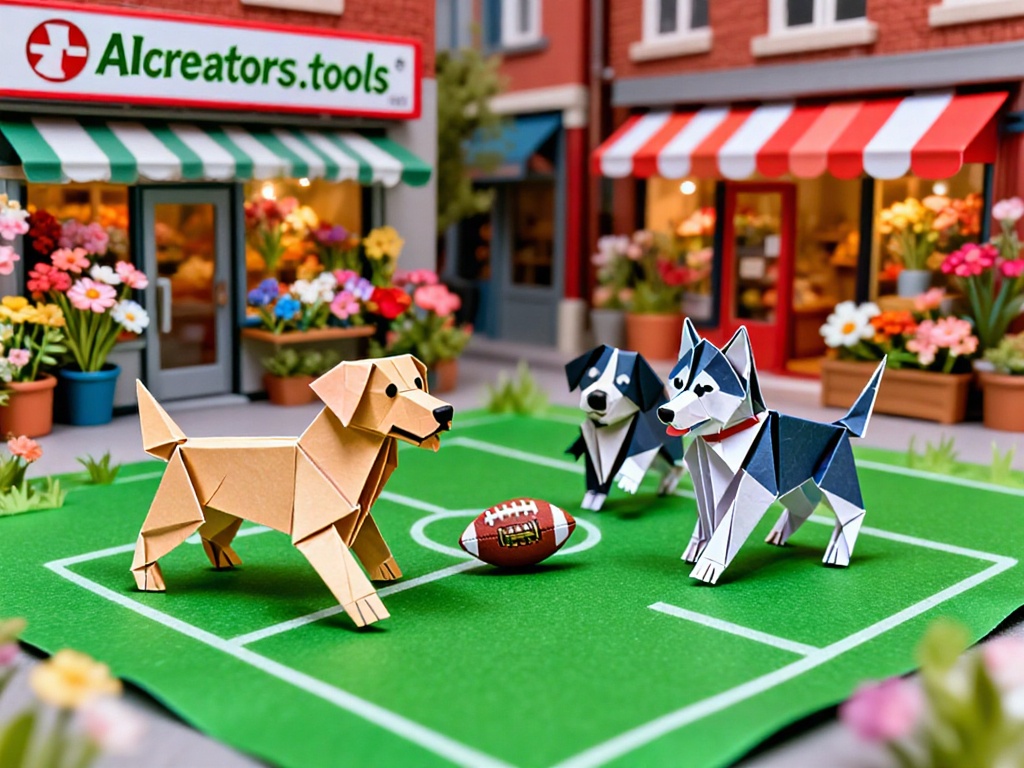
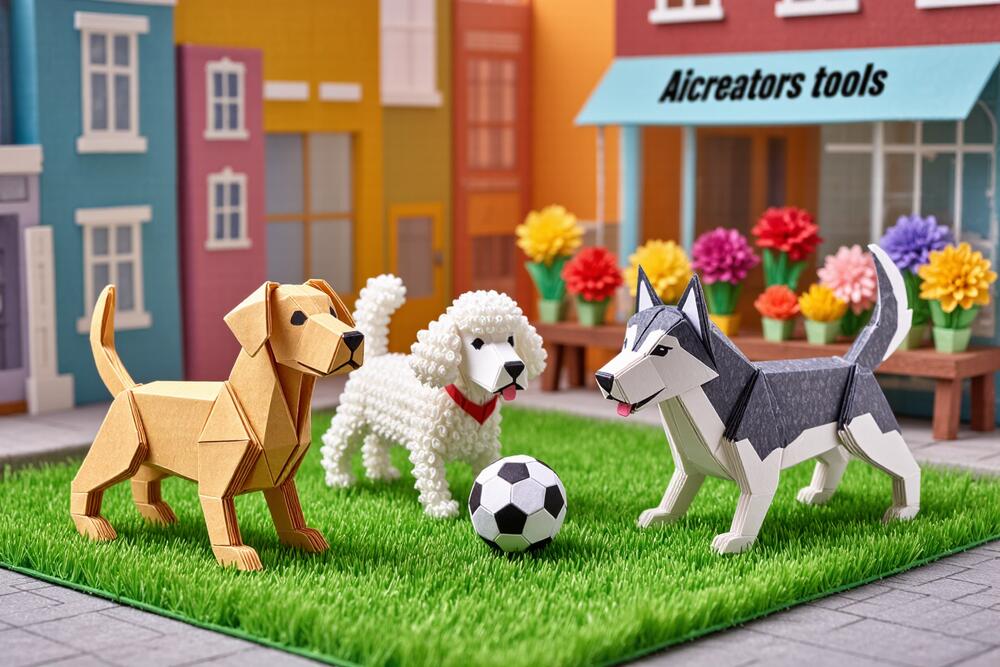
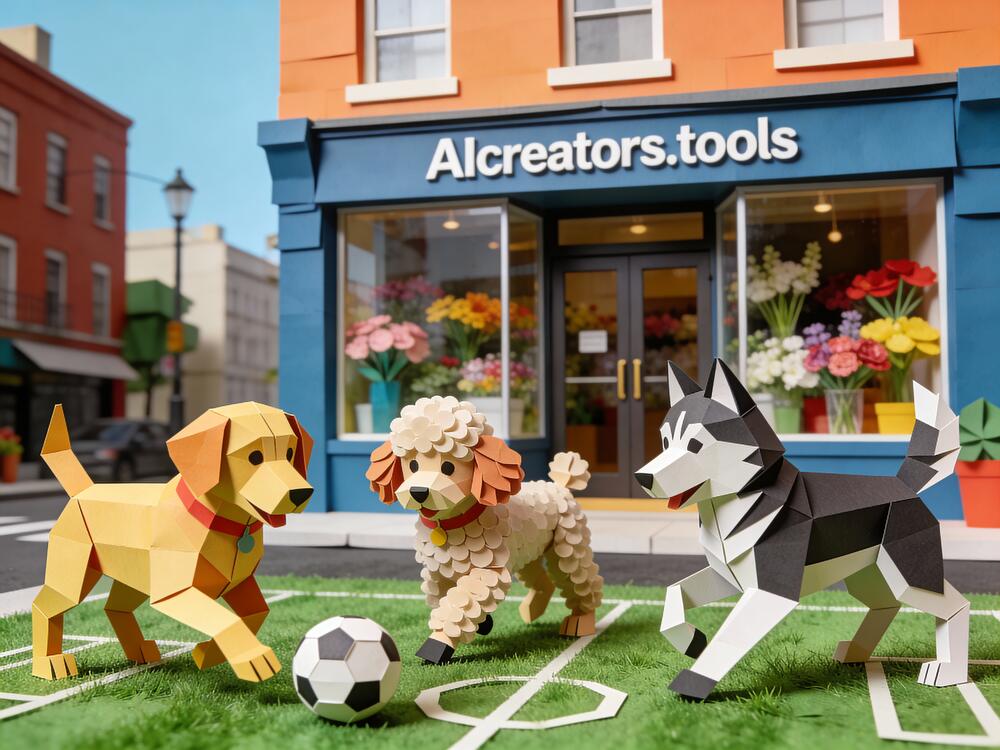
Miniature render, papercraft style: Miniature origami dogs made entirely out of colored paper (labrador, poodle and husky) playing football on a field in urban settings on defined green papercraftgrass field. One storefront reads "AIcreators.tools" it's got various flowers inside behind the glass windows and doors
Miniature render, papercraft style: Miniature origami dogs made entirely out of colored paper (labrador, poodle and husky) playing football on a field in urban settings on defined green papercraftgrass field. One storefront reads "AIcreators.tools" it's got various flowers inside behind the glass windows and doors
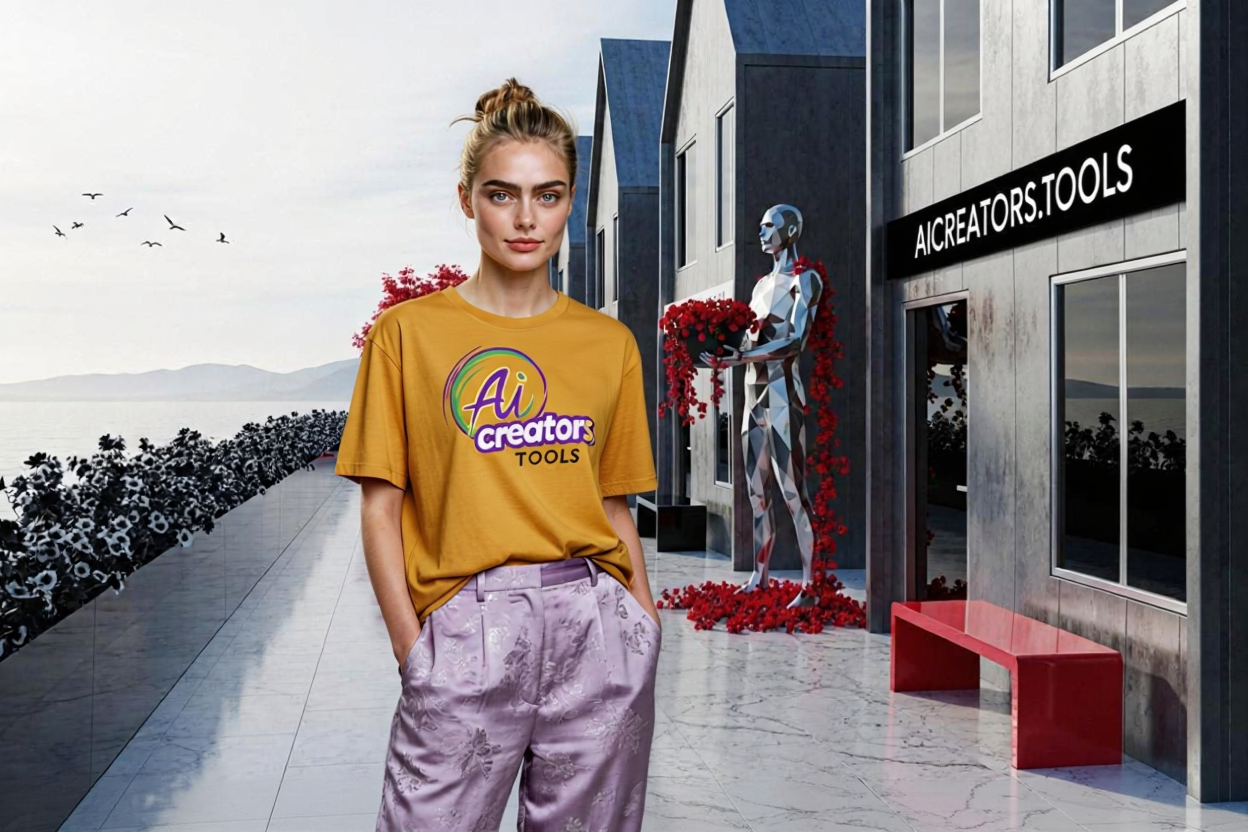
Medium shot of this woman from @image1 in yellow t-shirt with "AI creators tools" print and baggy purple silk pants standing left of center in this street from @image2. To the right, the storefront reads "AICREATORS.TOOLS', red bench underneath. Also in the backdrop a high-tech modern silver-metallic tone statue is seen holding red viny plant, its petals scattered underneath.
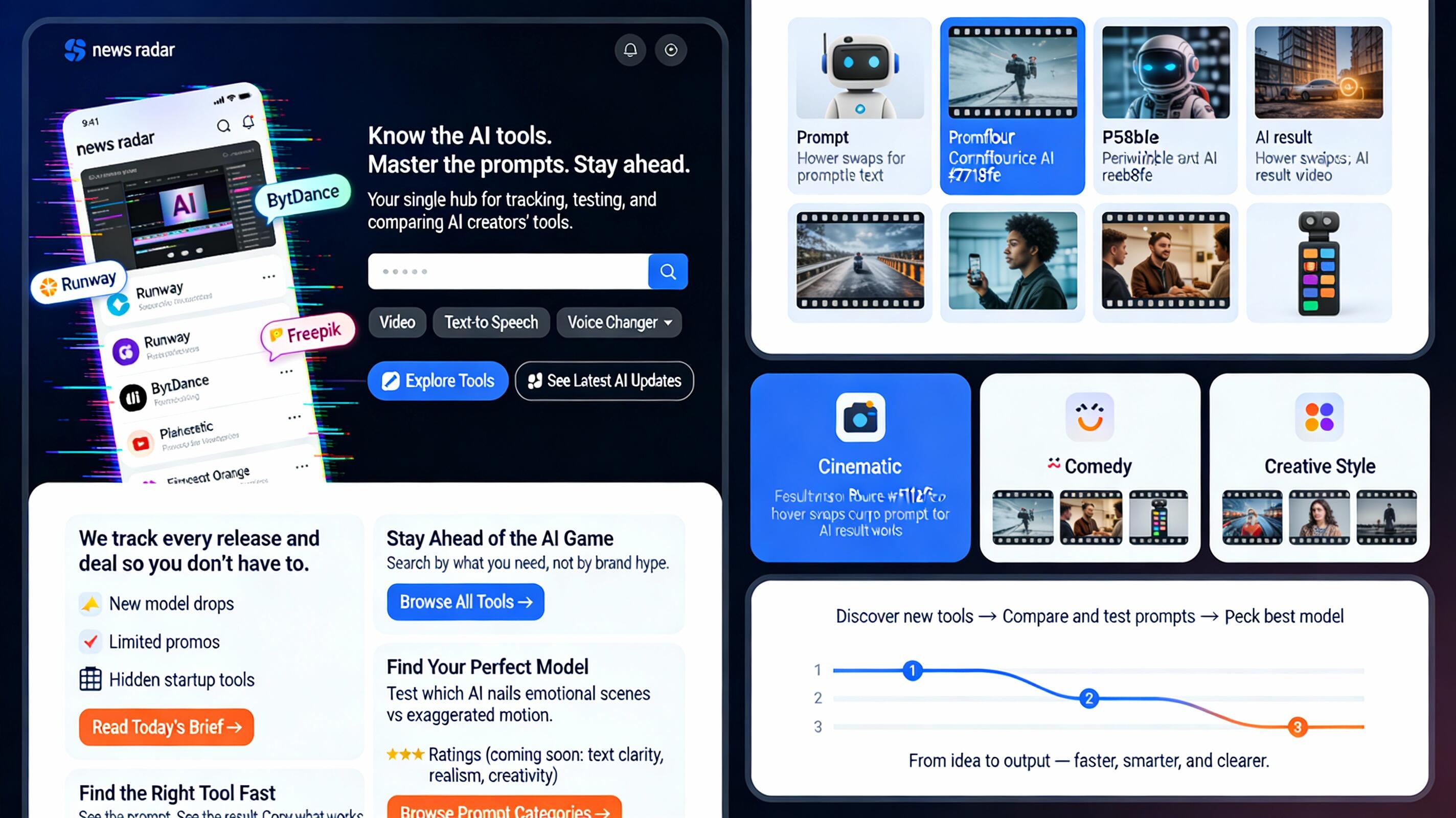
Design a modern web page for "AIcreators.tools" website, use colors: Indigo Ink #27187e , Cornflower Blue #758bfd , Periwinkle #aeb8fe , Platinum #f1f2f6 , Princeton Orange #ff8600 . Use short blocks, icons, and real visuals (not abstract waves). Tone: confident, not corporate. 🧱 Page Layout Breakdown 1️⃣ Hero Section — “Clarity Hook” Purpose: instantly answer what this site is and why it matters. Visual: Split screen or motion loop (AI video snippets, glitch-style feed scroll). Text overlay: Headline: “Know the AI tools. Master the prompts. Stay ahead.” Sub: “Your single hub for tracking, testing, and comparing AI creators’ tools.” CTA Buttons: 🔍 Explore Tools 🧠 See Latest AI Updates 2️⃣ “Stay Ahead of the AI Game” Block Layout: horizontal card with left image, right text. Visual: stylized “news radar” feed UI — logos like Runway, ByteDance, Freepik popping in. Copy: short headline + one-liner: “We track every release and deal so you don’t have to.” Then bullets: 🚀 New model drops 💰 Limited promos 🧩 Hidden startup tools CTA: Read Today’s Brief → 3️⃣ “Find the Right Tool Fast” Block Layout: dark background, centered search bar mockup. Visual: dropdown chips like Video, Text-to-Speech, Voice Changer, etc. Copy: “Search by what you need, not by brand hype.” Button: Browse All Tools → Optional: small sample query animation 4️⃣ “Prompt Lab” Block Layout: gallery grid (prompt card + result thumbnail). Visual: hover swaps between prompt text and AI result image/video still. Copy: “See the prompt. See the result. Copy what works.” CTA: Browse Prompt Lab → 5️⃣ “Find Your Perfect Model” Block Layout: 3-column cards with icons. Columns: 🎬 Cinematic • 😂 Comedy • 🎨 Creative Style Each card: Thumbnail preview Short description (“Test which AI nails emotional scenes vs exaggerated motion.”) ⭐ Ratings (coming soon: text clarity, realism, creativity) CTA: Browse Prompt Categories → 6️⃣ “How It All Fits Together” Mini Infographic Visual: simple 3-step line graphic (horizontal flow): Discover new tools → Compare and test prompts → Pick best model for your project End with: “From idea to output — faster, smarter, and clearer.”
Generated on December 5, 2025:
Modern web page design test. Picked auto 2K resolution so it generated this wide image. Text is quite good. Layout is a metter of taste, I guess.
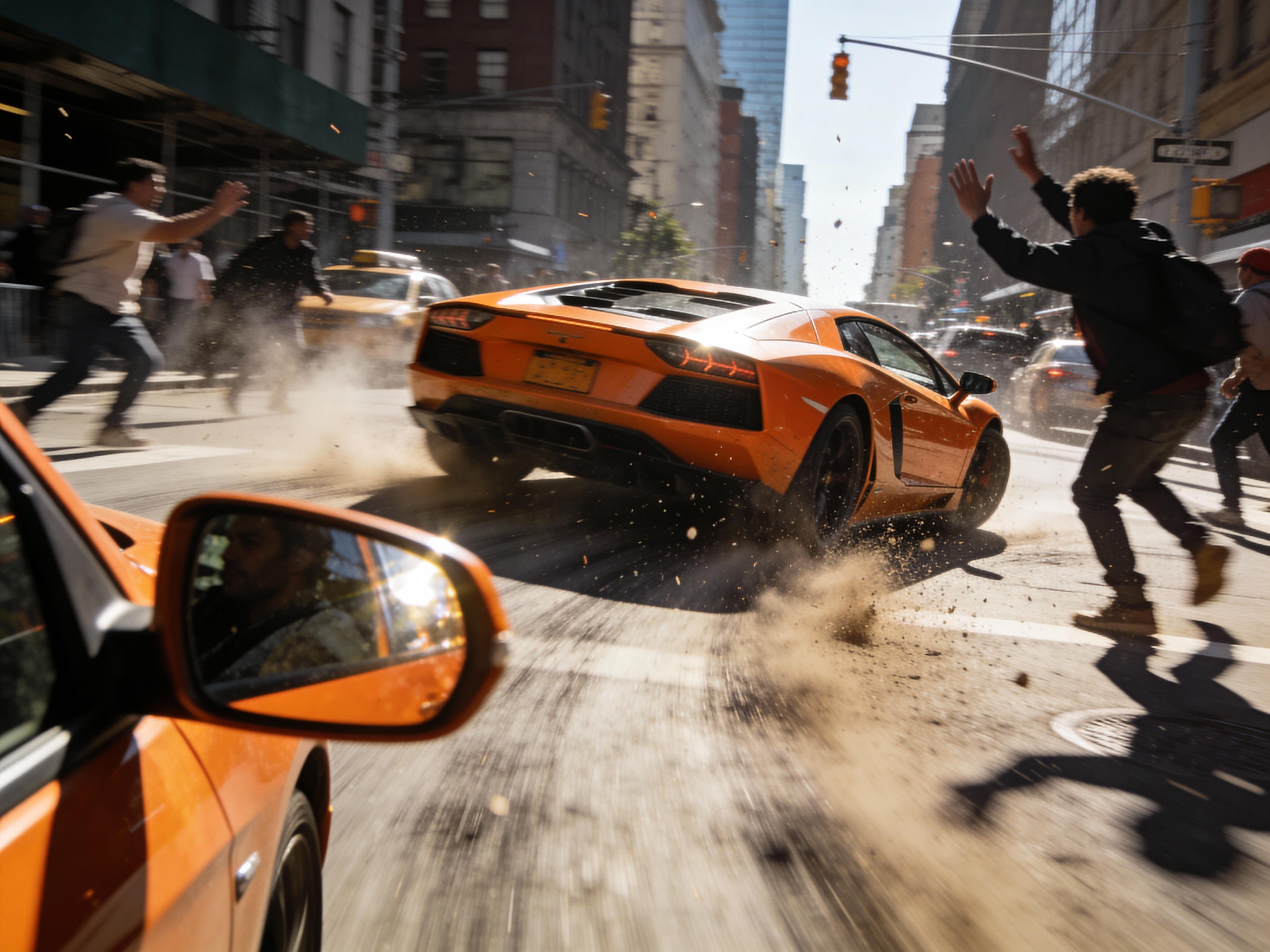
A dynamic cinematic shot of a speeding orange sports car is in focus caught veering sharply, swirving and losing control; pedestrians flinching, and a trailing blur of motion are frozen mid-swerve. Flecks of dust and tire smoke drift in the frame. Other vehicles on the street: taxi, grey van, blue sedan, black hatchback, yellow bus. a congested city street under harsh midday sunlight. High-contrast realism with explosive action tone.
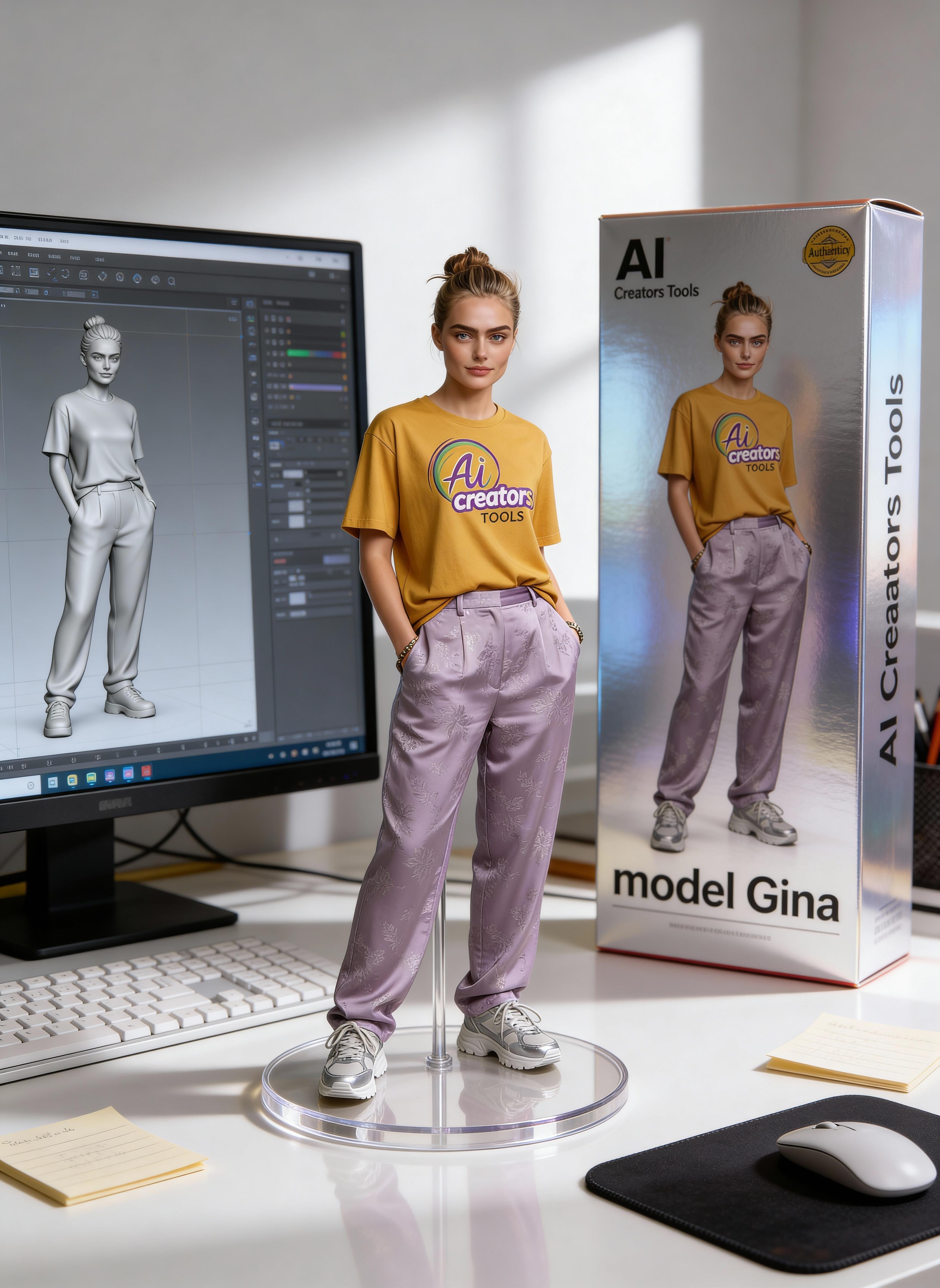
Crisp facial features (except eyes) + accurate text, not to mention knowing the whole concept of this figurine on designer desk scene. Ok, 1 mistake, extra letter 'a' in Creators (out of 8 words, still impressive)
Meet Fal Sandbox. You can run the same input across a bunch of models right away. Check out and compare hundreds of models on fal’s site by speed, output, and cost.
feature
September 24, 2025
Omnihuman 1.5 is out and is available on FAL from day 0.
model
Useful Links
No additional links available for this tool.
This page was last updated on December 13, 2025 at 9:23 AM


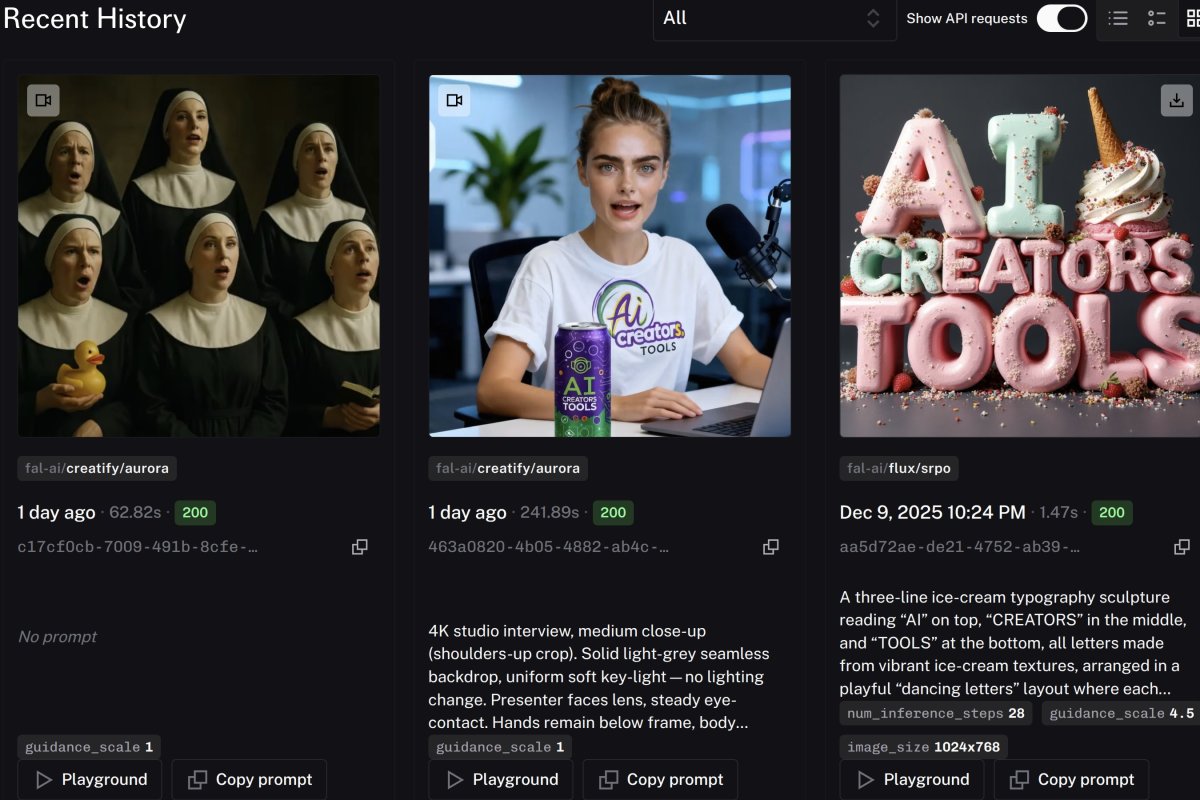
 Creatify Aurora