
Topview AI
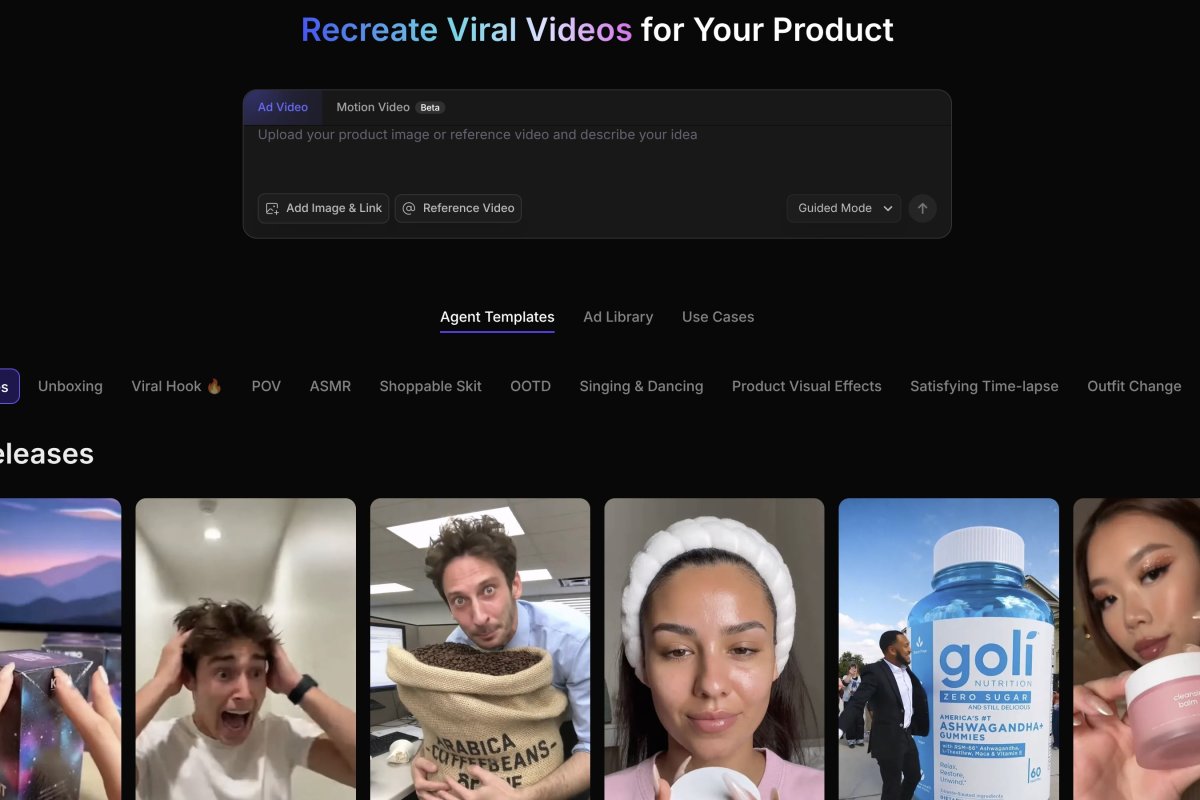
Topview.ai is an AI video tool made for marketers and online sellers. It turns URLs or images into product videos, ads, or UGC-style clips in minutes.
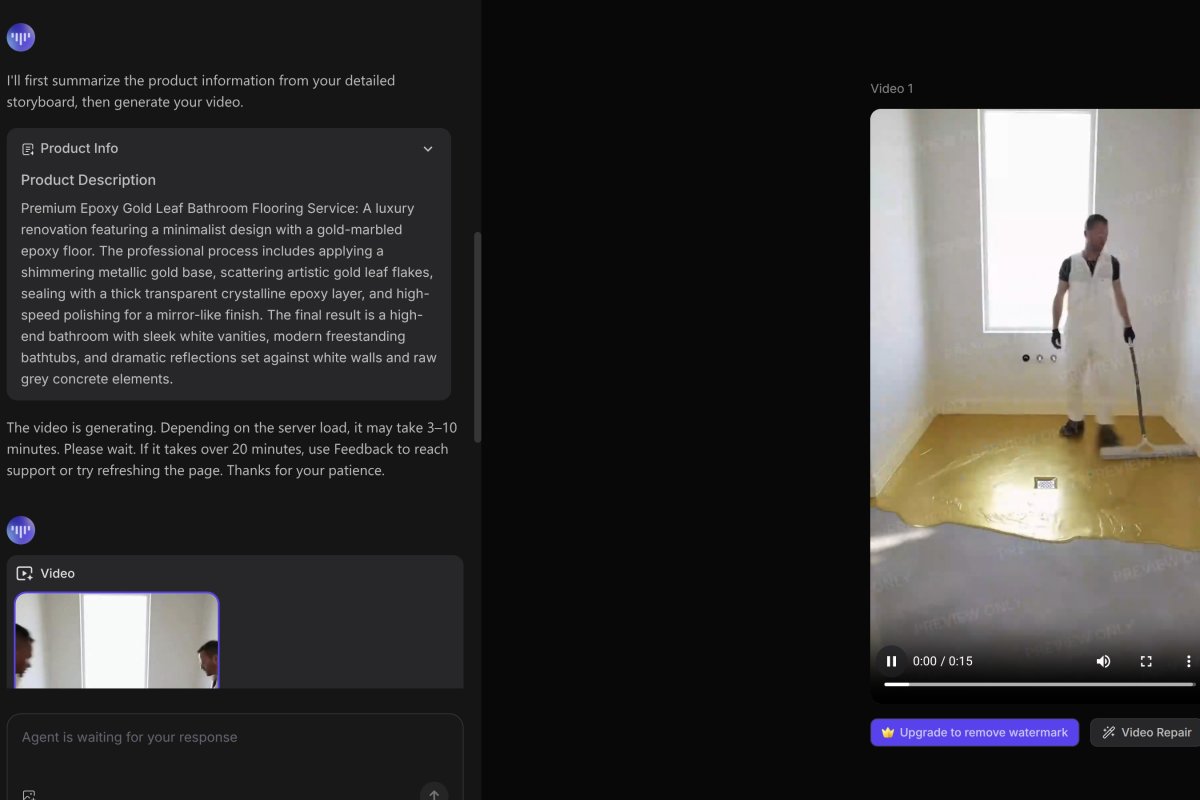
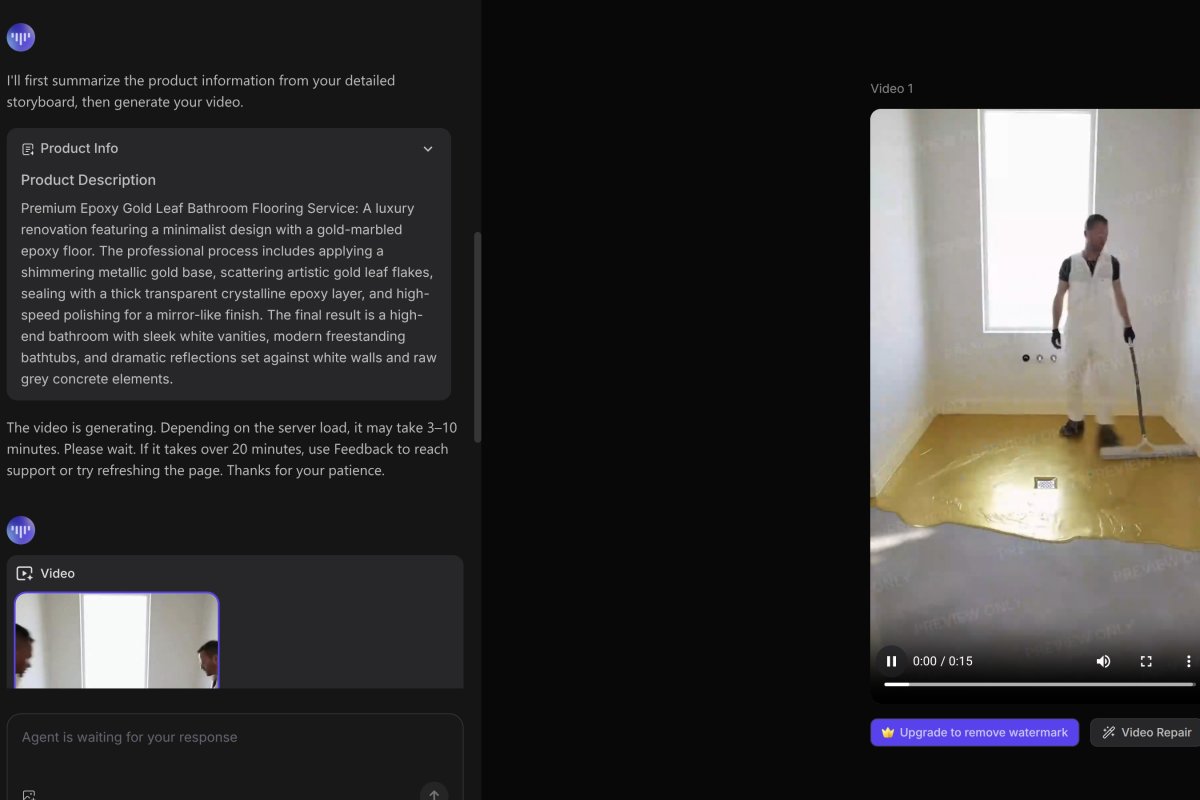
Overview
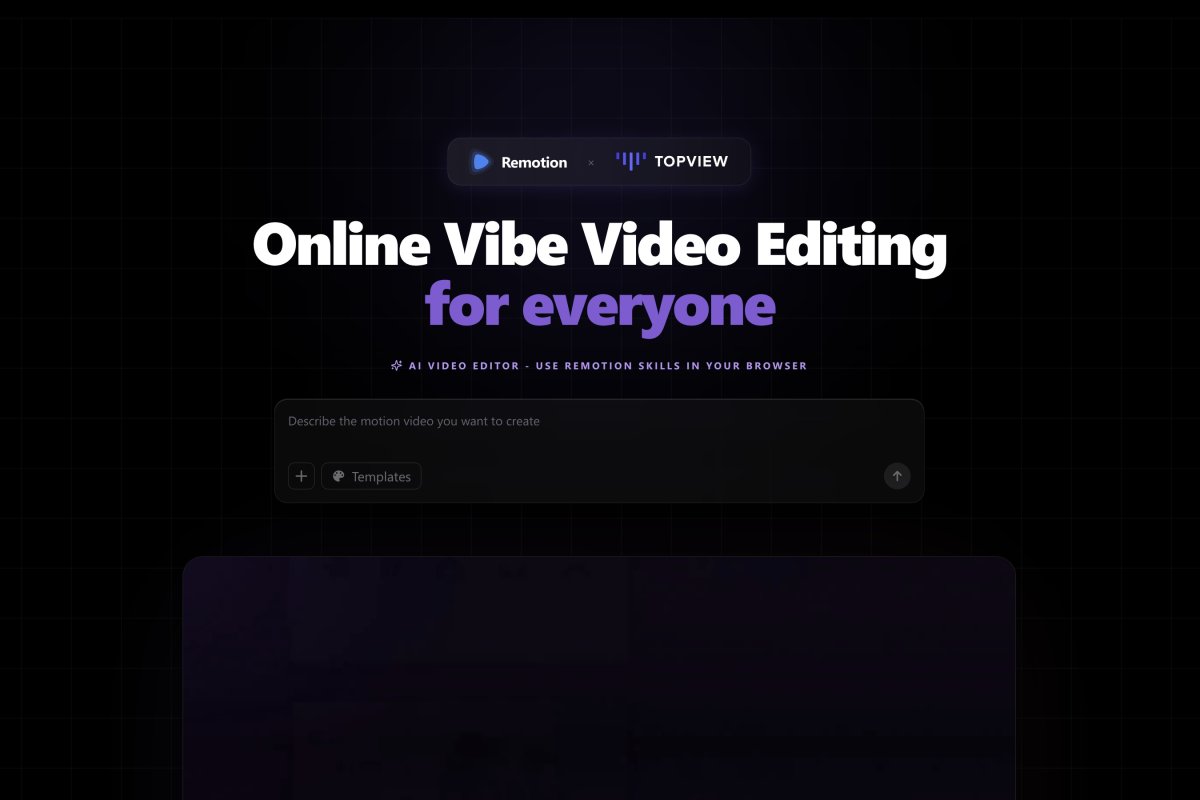
Topview AI’s made to help people skip manual editing. You type in what you want or upload a product image or video. Then it builds a short marketing-style video for you. It works best for ecommerce, TikTok ads, affiliate stuff, and scroll-stopping clips. You can also use avatars, motion copy, lip-sync, and style cloning. It claims to study shot pacing and style first then rebuild the idea for your product.
How It Works.
You drop in an image, product link, or example video. The system checks how the sample’s shot and made... then it makes something similar using AI. You don’t mess with a timeline. No video skills needed. It pulls in tools like Kling 2.6, Google Veo 3.1 Fast, and Seedream 4.x. Instead of building its own AI from scratch, Topview kind of stitches different models together in one place.
Built-In Tools.
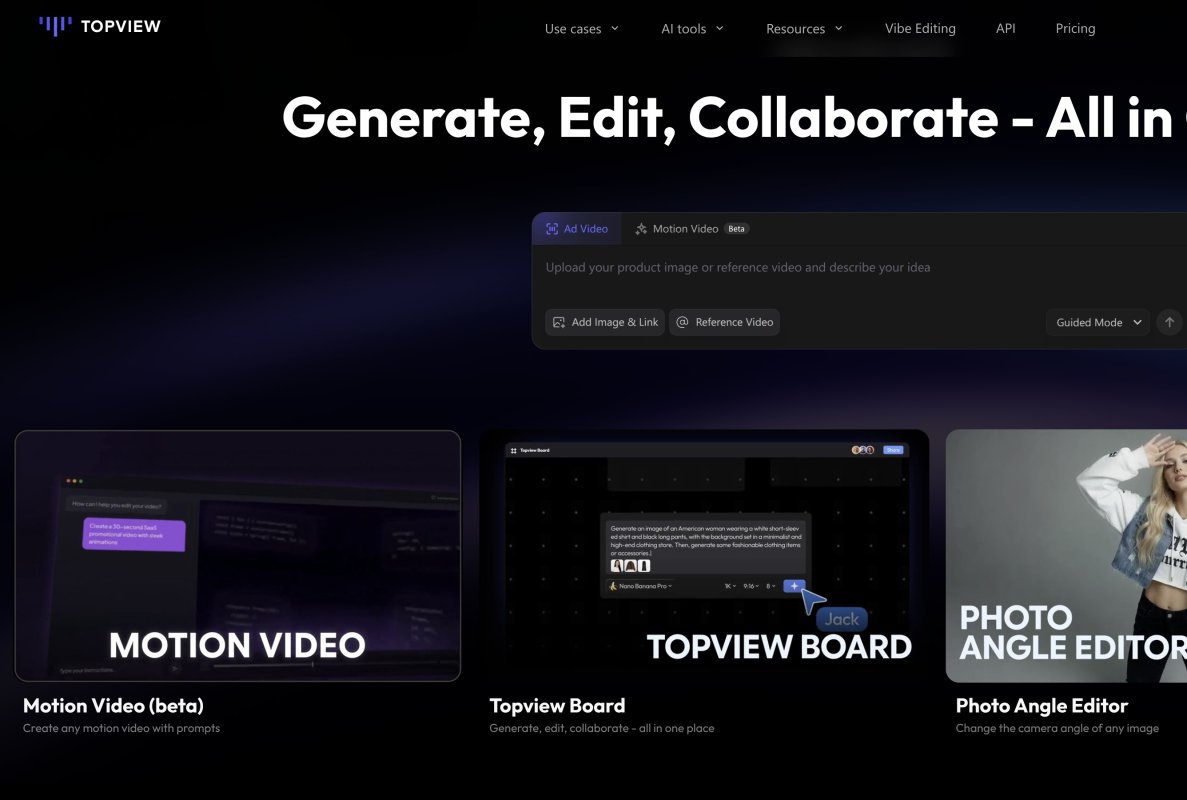
- Product Avatar. Makes a person interact with a product based on one image.
- Motion Control. Copies movement from one video to another.
- Photo Angle Editor. Changes the angle of a still photo.
You can also use the Topview Board to make, edit, and share all in one spot.
Some users say it saves them time and money but most of that’s from their site. No third-party tests are shown so you might want to double-check how well it works.
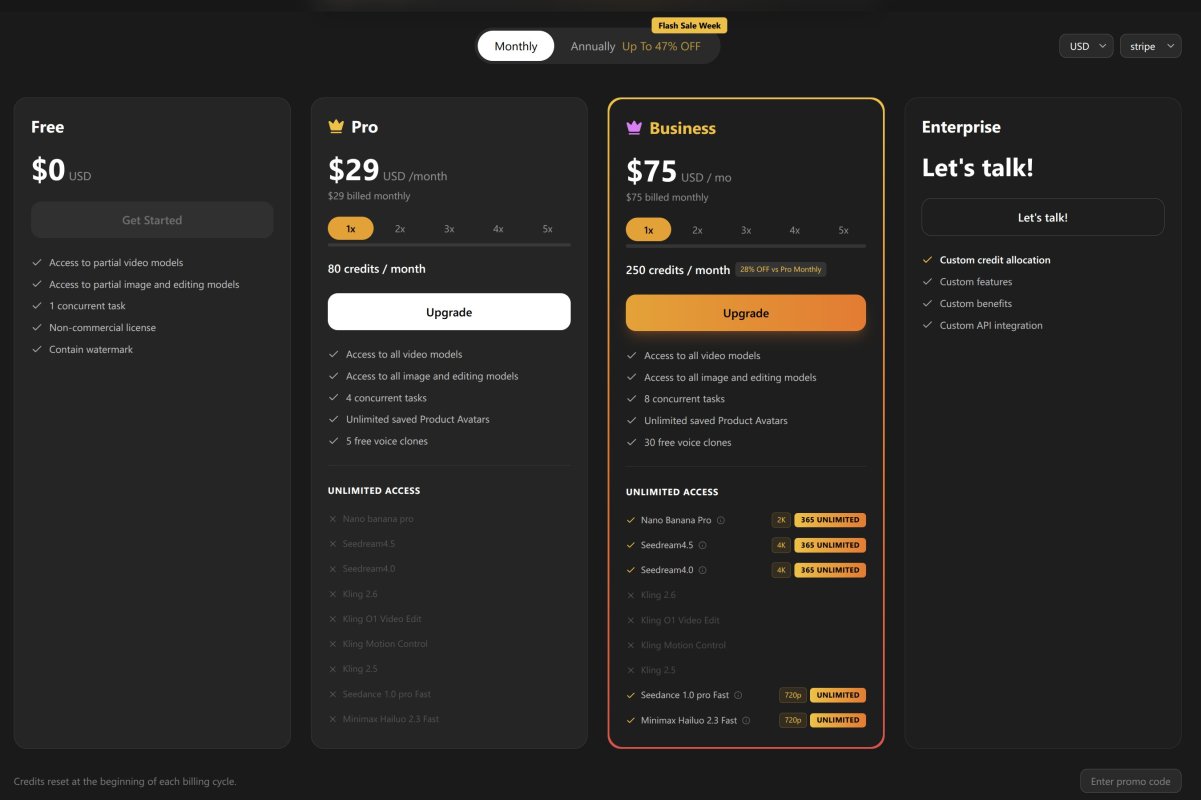
Plans and Prices in February 2026
Free. $0. 10 credits, basic tools only, watermark, no commercial use.
Pro. $29/month. 80 credits, all tools, 5 voice clones, no watermark.
Business. $75/month. 250 credits, 30 voice clones, more video, faster processing.
Enterprise. Custom pricing. API access, more features, SLAs.
Credits are used up depending on how long the video is and what quality you pick.
Tags
Freemium Unknown License Web-based #Creative AI SuitesLinks
- AI Avatar Videos
- Face Swap
- Image-to-Video
- Inpainting (Images)
- Lip Sync (From Image)
- Lip Sync (From Video)
- Video Templates
- Video Upscaling
Video Effects, Templates, Transformations
This tool offers the following AI models:
This list may not be exhaustive as new models keep dropping and are added to platforms all the time.
Generated on February 12, 2026:
Useful Links
No additional links available for this tool.
This page was last updated on February 12, 2026 at 11:28 PM