FLORA
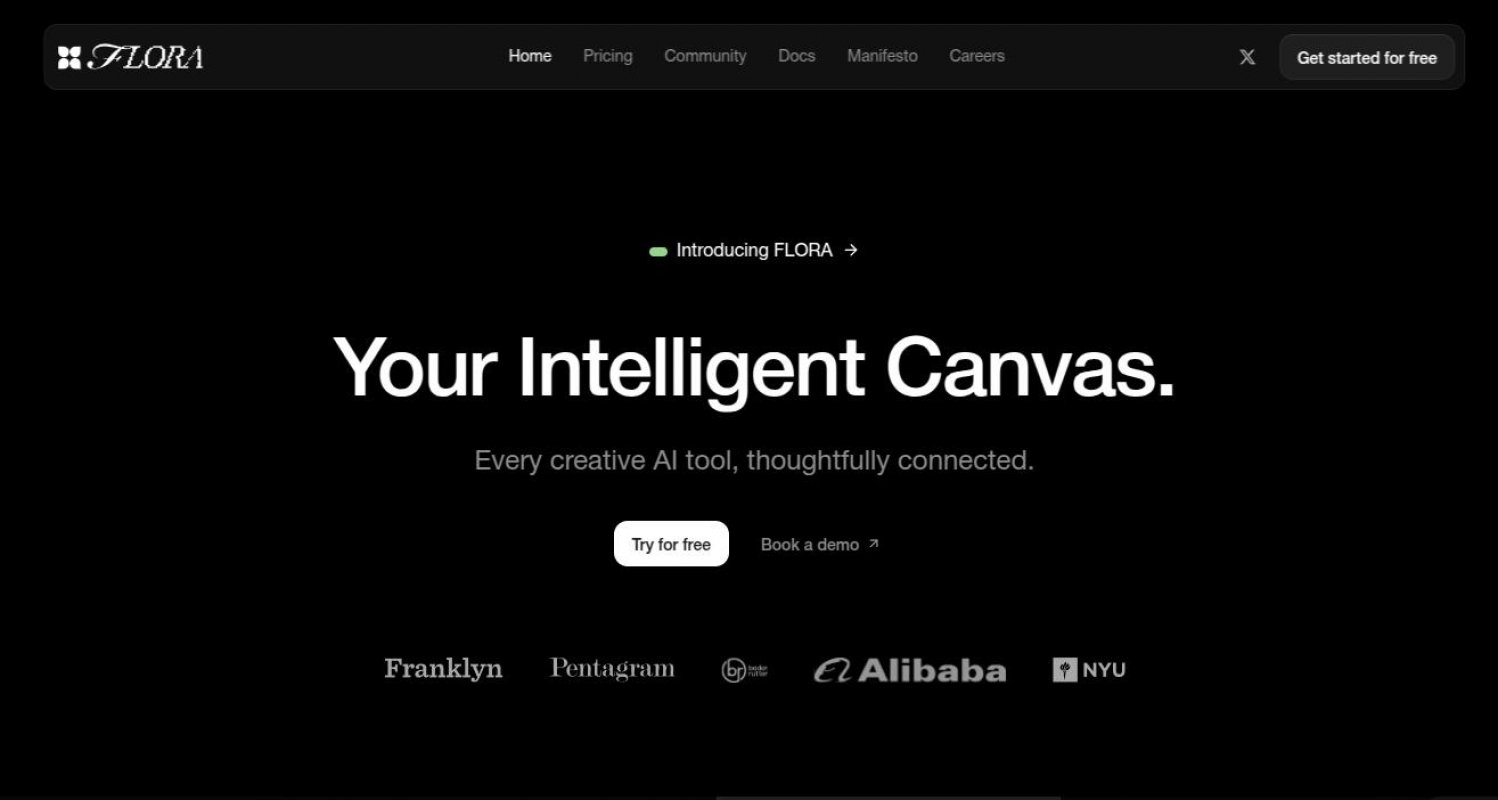
FLORA mixes top AI tools into one infinite canvas letting users build ideas tweak projects and work together in real-time. Free and paid plans available.


Overview
FLORA is an all-in-one AI platform built for creators. It pulls in the best AI models for text image and video and lets you mix them on an infinite canvas designed for brainstorming tweaking and building projects. Whether you're a solo creator or working with a team this tool keeps everything in one spot.
It's not just another AI tool—it's more like a workspace, reminiscent of Comfy UI but some say more intuitive. Instead of jumping between different apps FLORA gives you a single space where AI helps bring your ideas to life. Need text? Done. Images? Easy. Video? Covered. And since it's built for real-time teamwork you and your team can work together live no matter where you are.
FLORA stores in easily accessible menus all your assets, your searchable history of generations, your workflows.
FLORA runs on a freemium model—meaning you can start for free. If you want full access to more advanced features you can upgrade. No exact pricing listed but you can book a demo to see what the premium version offers.
Tags
Free Trial Proprietary License Web-based #Creative AI SuitesLinks
This tool offers the following AI models:
- FLUX Kontext [Dev]
- Gemini 2.5 Flash
- GPT‑4o
- Hailuo 02
- Hailuo 2.3
- HunyuanVideo
- Imagen 4
- Kling 1.6 Pro
- Kling 1.6 Standard
- Kling 2.0
- Kling 2.1 Master
- Kling O1 Omni
- Lucy Edit Pro
- Luma Ray2
- Luma Ray2 Flash
- Marey Realism v1.5
- Recraft V3
- Reve Image 1.0
- Runway Act-Two
- Runway Aleph
- Seedream 3.0
- Seedream 4.0
- Stable Diffusion 3.5 Large
- Veo 2
- Veo 3.1
- Wan 2.1
- Wan 2.2
This list may not be exhaustive as new models keep dropping and are added to platforms all the time.
| Plan Name | Tier Type | Cost per Month | Credits per Month |
|---|---|---|---|
| Starter | free | 0.00 | 2000 |
| * Non commercial use only. ~2,400 text generations ~80 images ~4 videos. - FLORA editor + all models. 3 projects. 1 week of generation history. Project sharing - Option to purchase more credits | |||
| Professional | lowest | 20.00 | 10000 |
| * 10,000 free monthly rollover credits - Everything in Starter, plus: - 50 projects - Credits roll over to next month - Unlimited generation history - Custom asset storage - Commercial use | |||
| Agency | medium | 60.00 | 60000 |
| * 60,000 free monthly rollover credits - Everything in Professional, plus: - Unlimited project files - 10% off additional credits | |||
| AI Partner | top | 0.00 | 60000 |
| * Custom Pricing. Everything in Agency, plus: - Custom-built workflows tailored for your use-case - Slack channel with FLORA founders & AI team for on-demand strategic & creative AI guidance - White glove onboarding for the whole team | |||
Where multiple modes are available, the calculations are done for the most advanced (and costly) ones.
Pricing can change, make sure to check relevant links for any updates to the subscription plans.
Compare With an Alternative
Comparing with: None
Latest FLORA News
November 29, 2025
Take 50% off your first 3 months. Build workflows at full speed, in FLORA.
Use code BLACKFRIDAY2025.
May 20, 2025
Character consistency is now available in FLORA. Users can upload LoRAs in two clicks to maintain the same characters across different generations.
May 7, 2025
Ideogram 3.0 is now in FLORA with sharper images, style reference support, and improved typography for creative projects.
April 20, 2025
FLORA + Gemini → Multi-Character Scenes.
Super basic workflow:
01. Generate (2) Characters
02. Upload into Flora
03. Use Gemini to place characters
04. Iterate shots
April 20, 2025
Image Blending is live, powered by Gemini 2.0:
Connect two image blocks into one to blend style, structure & subject by prompting.
Useful Links
Ad Setup (Copy-ready Workflow)
Workflow
Make images and videos for any product right away inside FLORA. Add style with Seedream, clean up using Nano Banana, bring it to life with Seedance, and keep it easy to resize.
Try-on with AI
Workflow
From images to video, full workflow you can copy and use. Reve styles the model, Qwen drops the logo, Higgsfield adds motion, and Kling 2.1 stitches angles.
This page was last updated on November 29, 2025 at 3:43 AM